
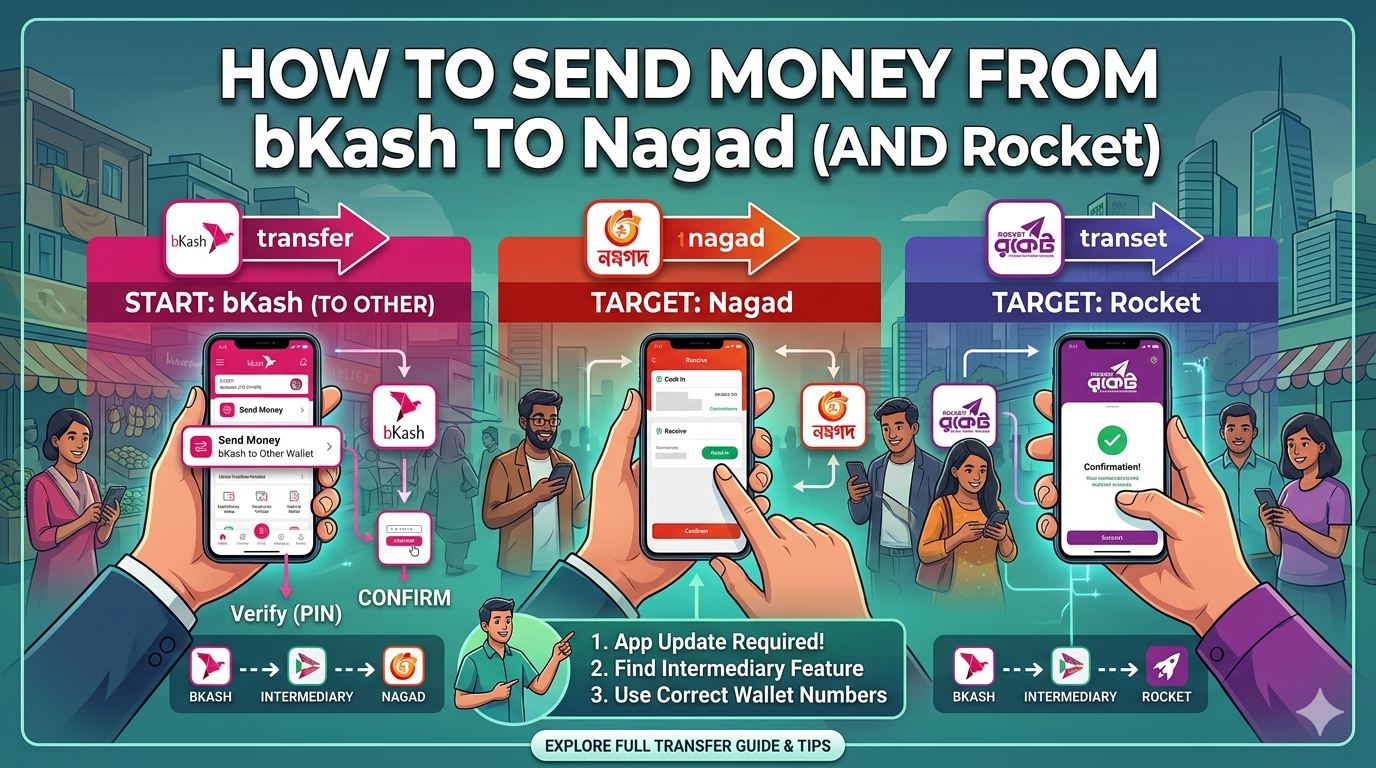
How to Send Money from bKash to Nagad (and Rocket) in 2026: The Binimoy Guide
In 2026, the digital financial landscape in Bangladesh has reached a level of seamless integration once thought impossible. Gone are the days when your money was “trapped” within a single provider’s ecosystem. Thanks to Binimoy, the Interoperable Digital Transaction Platform (IDTP), you can now move funds between bKash, Nagad, and Rocket with just a few taps.
This long-form guide provides a detailed, step-by-step walkthrough on how to navigate these cross-platform transfers in 2026, ensuring your transactions are fast, secure, and SEO-optimized for your records.
1. What is Binimoy? Understanding Interoperability in 2026
Binimoy is a web-based interoperable digital transaction platform that allows Banks, Mobile Financial Services (MFS), and Payment Service Providers (PSP) to instantly exchange funds (UCB, n.d.).
Instead of using traditional account numbers or mobile numbers for the transfer itself, Binimoy uses a Virtual ID (VID). This VID (e.g., yourname@bkash or user123@nagad) acts as your unique financial alias, ensuring you don’t have to share sensitive account details during a transaction (Midland Bank PLC, n.d.).
2. Phase 1: Registration (The Essential First Step)
Before you can send money from bKash to Nagad, you must register for Binimoy within both apps. You cannot transfer funds to a recipient who hasn’t also created a Binimoy VID.
How to Register on bKash:
- Open the bKash App and log in.
- Tap on the Binimoy icon (usually found in the “More” or “Suggestions” section).
- Click Register.
- Create your Virtual ID (VID). Tip: Keep it simple, like your name or phone number.
- Select a Default Account for receiving money.
- Set a 6-digit Binimoy PIN. (Note: This is different from your bKash PIN).
How to Register on Nagad/Rocket:
The process is nearly identical. You will find the Binimoy option in the main menu, where you will create a unique VID (e.g., smith@nagad) and set your security PIN (Standard Chartered Bangladesh, n.d.).
3. Phase 2: Sending Money from bKash to Nagad
Once both the sender and receiver are registered, follow these steps to transfer money:
Step 1: Access Binimoy in bKash
Open your bKash app and select the Binimoy service. From the options provided, choose Direct Pay.
Step 2: Enter Recipient Details
In the “Receiver VID” field, enter the recipient’s Nagad VID (e.g., rahim@nagad).
Warning: Double-check the VID! If you enter a wrong VID, the money may go to the wrong person, and these transactions are instant and irreversible (UCB, n.d.).
Step 3: Enter the Amount
Type the amount of BDT you wish to send. Ensure you stay within the daily and monthly limits set by Bangladesh Bank.
Step 4: Verification and PIN
- Review the transaction details (Recipient VID and Amount).
- Enter your 6-digit Binimoy PIN.
- Confirm the transaction by entering your 5-digit bKash PIN.
Step 5: Confirmation
You will receive an instant push notification and an SMS confirming that the funds have been successfully moved from your bKash wallet to the recipient’s Nagad wallet.
4. Phase 3: Sending Money to Rocket
Transferring to Rocket follows the same “Direct Pay” logic.
- Select Binimoy in your source app (bKash or Nagad).
- Input the Rocket VID (e.g.,
karim@rocket). - Specify the Amount and provide a reference if needed.
- Confirm with your Binimoy PIN.
5. Transaction Limits and Charges in 2026
While the “Digital Bangladesh” initiative has pushed for lower costs, cross-platform transfers via Binimoy typically incur a small fee compared to same-platform “Send Money.”
- Transaction Limits: Up to Tk. 100,000 per transaction and Tk. 500,000 per day (UCB, n.d.).
- Charges: Charges vary based on the provider (bKash, Nagad, or Bank). As of 2026, MFS-to-MFS transfers usually range from 0.5% to 1%, which is significantly cheaper than cashing out and re-depositing.
6. Pro-Tips for a Smooth Experience
- Update Your Apps: Ensure you are using the 2026 version of bKash, Nagad, or Rocket. The Binimoy interface is updated frequently for better security.
- KYC Compliance: Your account must be fully verified (NID/KYC) to use interoperable services (GEMS, n.d.).
- Request to Pay (RTP): You can also use the “Request Money” feature. If you need money from a friend, send an RTP to their VID. They have 30 minutes to accept the request before it expires (UCB, n.d.).
7. Troubleshooting Common Issues
- Transaction Failed: This usually happens if the receiver’s VID is not registered or their account is inactive.
- Incorrect PIN: If you forget your 6-digit Binimoy PIN, you can reset it within the Binimoy menu of your app using the “Reset PIN” option (Midland Bank PLC, n.d.).
- Delayed SMS: In cases of high network traffic, check your “Transaction History” within the app to see the status.
References
- GEMS. (n.d.). Set up bKash Nagad Rocket Upay account: Step-by-step guide. https://store.gems.gov.bd/guides/set-up-bkash-nagad-rocket-upay-account-stepbystep-guide.html
- Midland Bank PLC. (n.d.). MDB Binimoy. https://www.midlandbankbd.net/mdb-binimoy/
- Standard Chartered Bangladesh. (n.d.). About Binimoy. https://www.sc.com/bd/ways-to-bank/online-banking/about-binimoy/
- UCB. (n.d.). Frequently Asked Questions (BINIMOY). https://www.ucb.com.bd/reports/cards/important-information/binimoy-faq.pdf
