
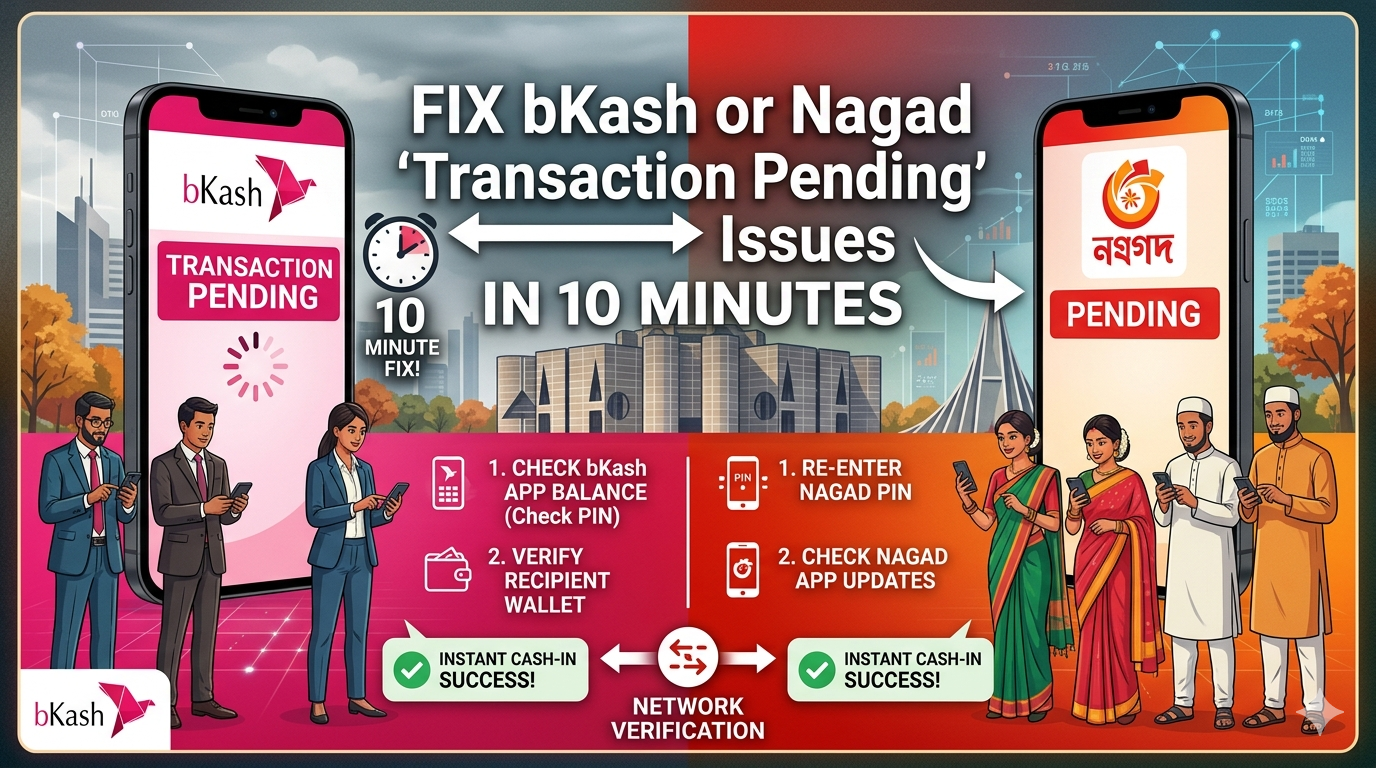
How to Fix bKash or Nagad ‘Transaction Pending’ Issues in 10 Minutes: A Quick Guide
It is a situation we have all been in: You are at a grocery store, a pharmacy, or trying to pay a utility bill. You hit “confirm,” the animation spins, and suddenly you’re hit with it—Transaction Pending. Or worse, you get a message saying “Nagad taka kete niche kintu jaini” (Money deducted but not sent).
Your heart sinks. Is the money gone? Will the merchant believe you?
In the fast-paced world of digital payments in Bangladesh, technical glitches during peak hours are common. But before you panic or spend an hour on hold with a busy hotline, follow this 10-minute rescue guide to secure your funds and resolve the issue.
Phase 1: The Verification (Don’t Trust the SMS)
Most people wait for that familiar “Ding” of an SMS to confirm a payment. However, during network congestion (especially on holidays or salary days), SMS gateways are the first thing to lag.
What to do immediately:
- Open your App: Log in to your bKash or Nagad app immediately.
- Check the ‘Statement’ or ‘Transactions’ Section: This is the ground truth. If the transaction appears here with a TrxID (Transaction ID), the money has moved through the system, even if the SMS hasn’t arrived.
- Confirm with the Merchant: Show the digital statement to the shopkeeper. In 90% of cases, the statement updates long before the SMS.
Phase 2: The 10-Minute Rule (Using the In-App Tools)
If the status actually says “Pending” or if the money was deducted but the merchant’s statement is empty, do not call the helpline just yet. MFS helpline numbers in BD are often overwhelmed. Instead, use the digital “Report” function.
For bKash Users:
- Go to the “Support” or “Report Issue” section directly within the app.
- Select the specific transaction that is stuck.
- Click “Transaction Not Received” or “Pending Issue.”
- This creates an automated support ticket that is prioritized over manual phone calls.
For Nagad Users:
- Navigate to your transaction history.
- Tap the failed/pending entry.
- Use the “Complain” button. Nagad’s backend system is designed to cross-check these complaints against the Binimoy (Interoperable Digital Transaction Platform) ledger almost instantly.
Phase 3: The Escalation Checklist
If the money hasn’t returned to your wallet or reached the destination after 10 minutes, you need to prepare for a formal escalation. To get a “bKash transaction pending solution” quickly, you must have these three pieces of data ready:
- The TrxID: The unique 10-character alphanumeric code.
- The Recipient/Merchant Number: The exact 11-digit number you sent money to.
- The Timestamp: The exact time and date of the attempt.
Pro Tip: Take a screenshot of the “Pending” screen. If you eventually have to visit a customer care center or email support, a visual proof speeds up the process significantly.
Phase 4: Know Your Rights (The Bangladesh Bank Signal)
Many users feel helpless when a digital payment is stuck in Bangladesh, but you are protected by law.
According to the Bangladesh Bank (Payment Systems Department) Circular, all MFS providers are mandated to provide a resolution or a formal status update for disputed transactions. Under the interoperability guidelines, most “stuck” transactions should be cleared or reversed within a specific timeframe.
While complex cases might take up to 72 hours, the implementation of the Binimoy platform in 2026 has made “immediate reversal” the new standard for most failed peer-to-peer transfers.
Summary: Quick Fix Checklist
| Action | Time Required | Why? |
| Check In-App Statement | 1 Minute | SMS is often delayed by network congestion. |
| Use “Report Issue” Button | 2 Minutes | Faster than calling a busy MFS helpline. |
| Copy TrxID & Screenshot | 1 Minute | Essential for any “Digital payment stuck” claim. |
| Wait for Reversal | 5-10 Minutes | Most systems auto-correct within this window. |
The Bottom Line: Digital payments are designed to make life easier, not more stressful. Next time your transaction hangs, take a deep breath, skip the phone queue, and use the in-app reporting tools. Your money is safe—it’s just stuck in traffic!
For more guides on navigating the BD banking ecosystem, check out our latest articles on [MFS Security] and [International Remittance Tips].
